← All projects
In betaWindows

Flux

A lightweight system monitor that lives on your desktop.

Live CPU, GPU, RAM, network and disk readings in a small widget that stays out of your way. Built in Rust so it stays light on your system.
Free · Windows installer (.exe) · SHA-256

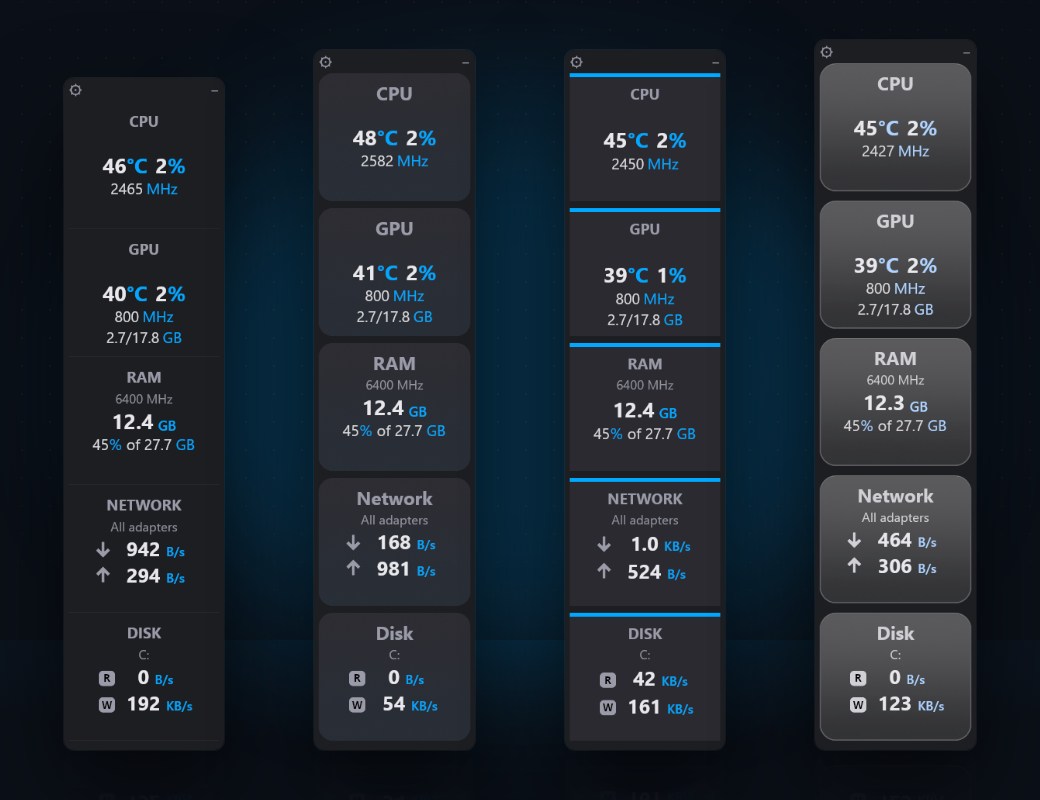
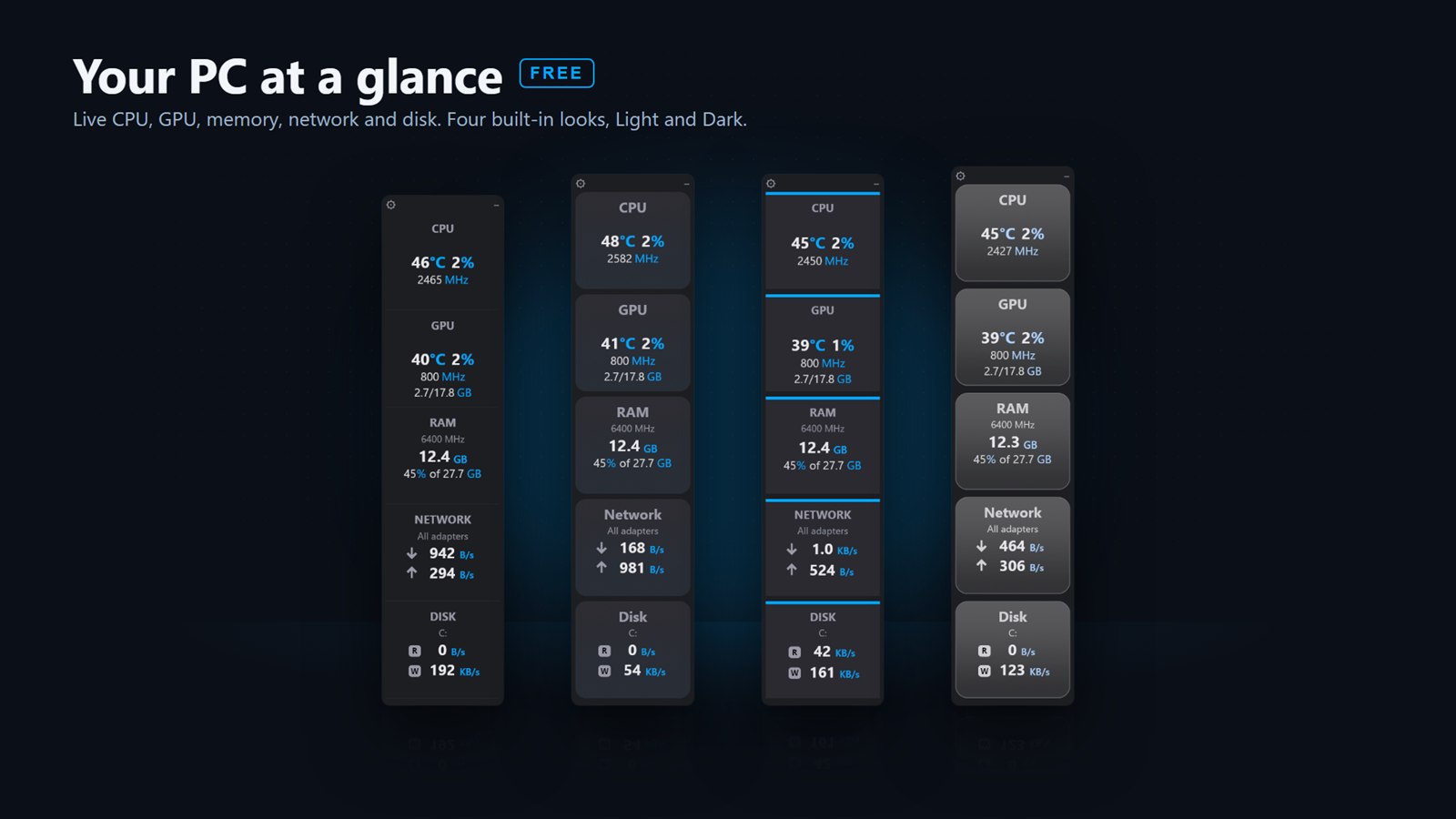
Four Flux widgets showing live CPU, GPU, RAM, network and disk readings in the four built-in looks

At a glance

Everything you check Task Manager for, already on screen.

CPU

Temperature, load and clock speed, with your processor's name.

GPU

Temperature, load and video memory in use.

RAM

Memory in use, as an amount and a percentage.

Network

Live download and upload speeds across your adapters.

Disk

Live read and write speeds for your drive.

Free

Flux Lite

Everything here is in the free download.

Download Flux Lite
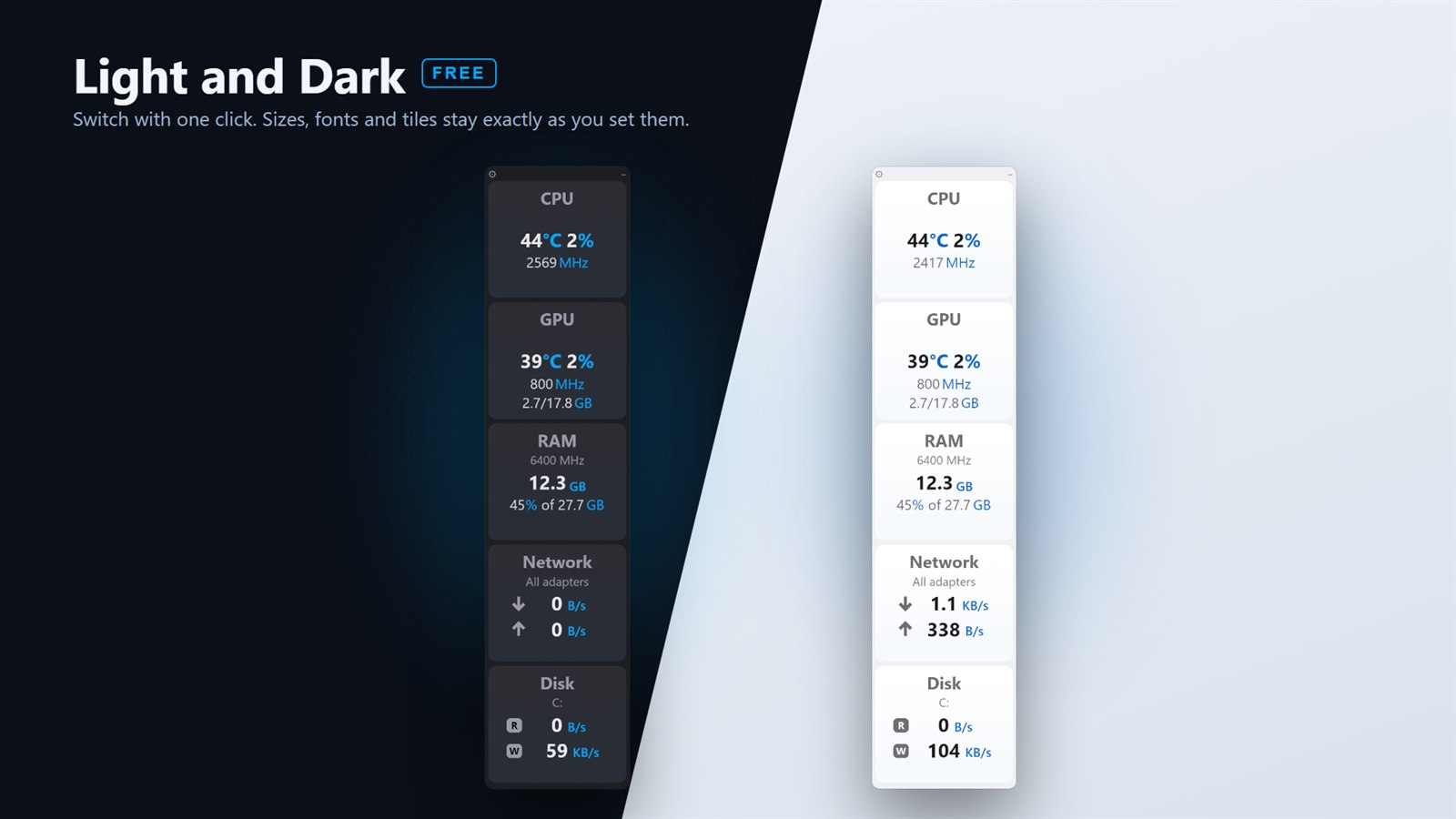
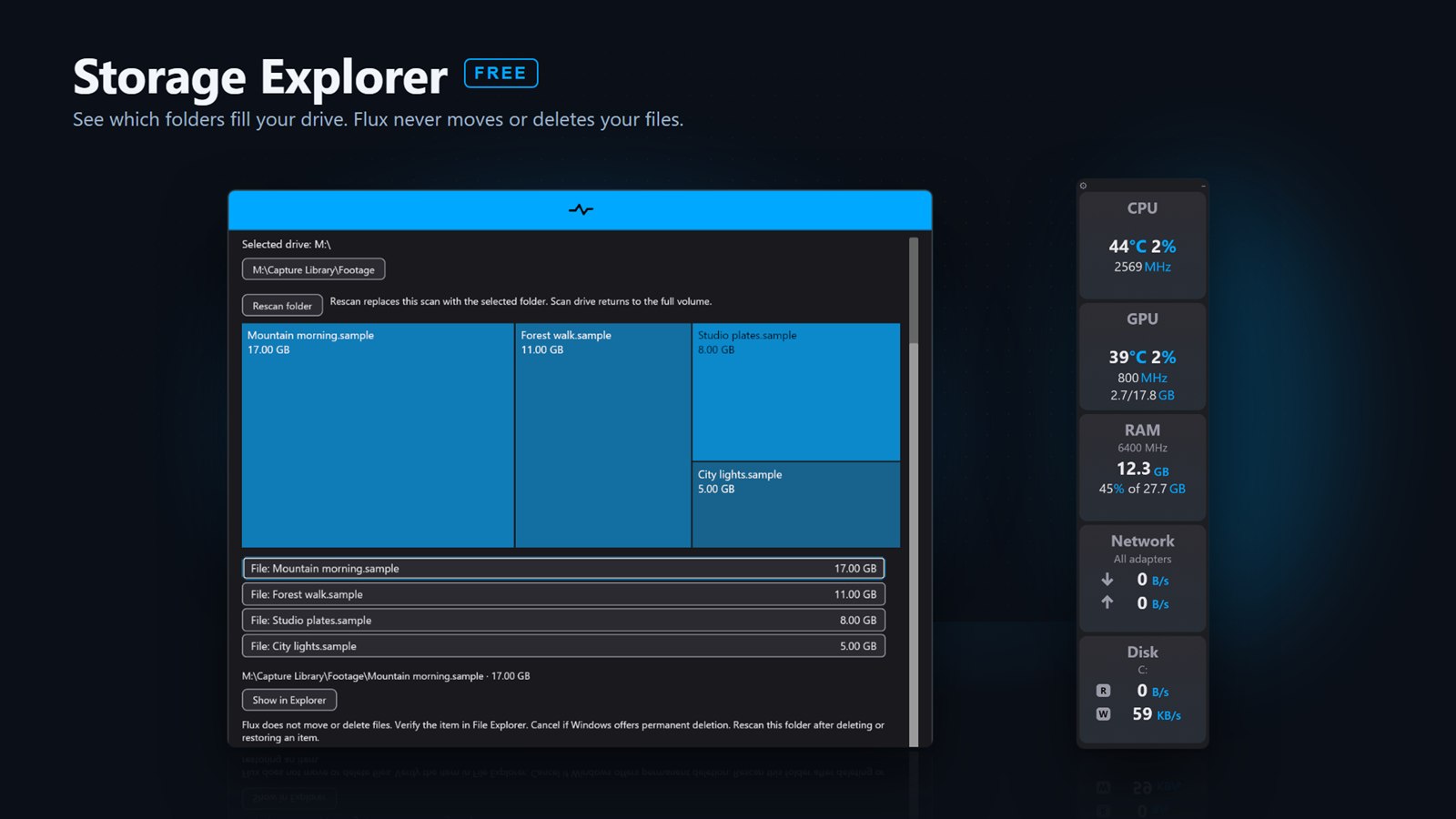
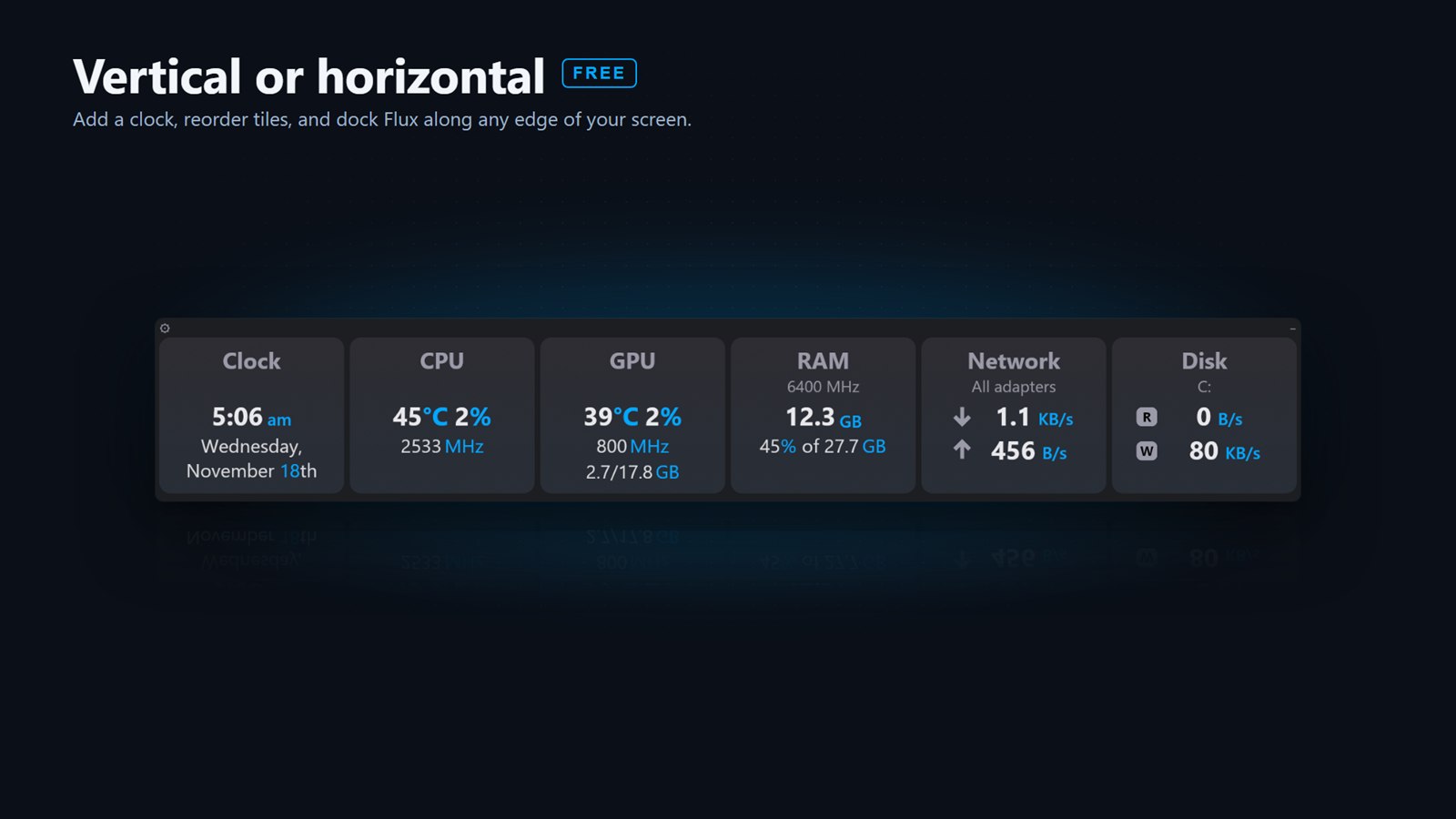
Your PC at a glance: four built-in looks, in Light or Dark Vertical or horizontal: add a clock, reorder tiles and dock Flux along any edge Light and Dark: switch with one click Storage Explorer: see which folders fill your drive
Private beta

Flux Pro

Skins, custom colors, alerts, Game Mode and remote monitoring. Pro is in a private beta through the Microsoft Store. Want in? Email to request beta access.

Request beta access
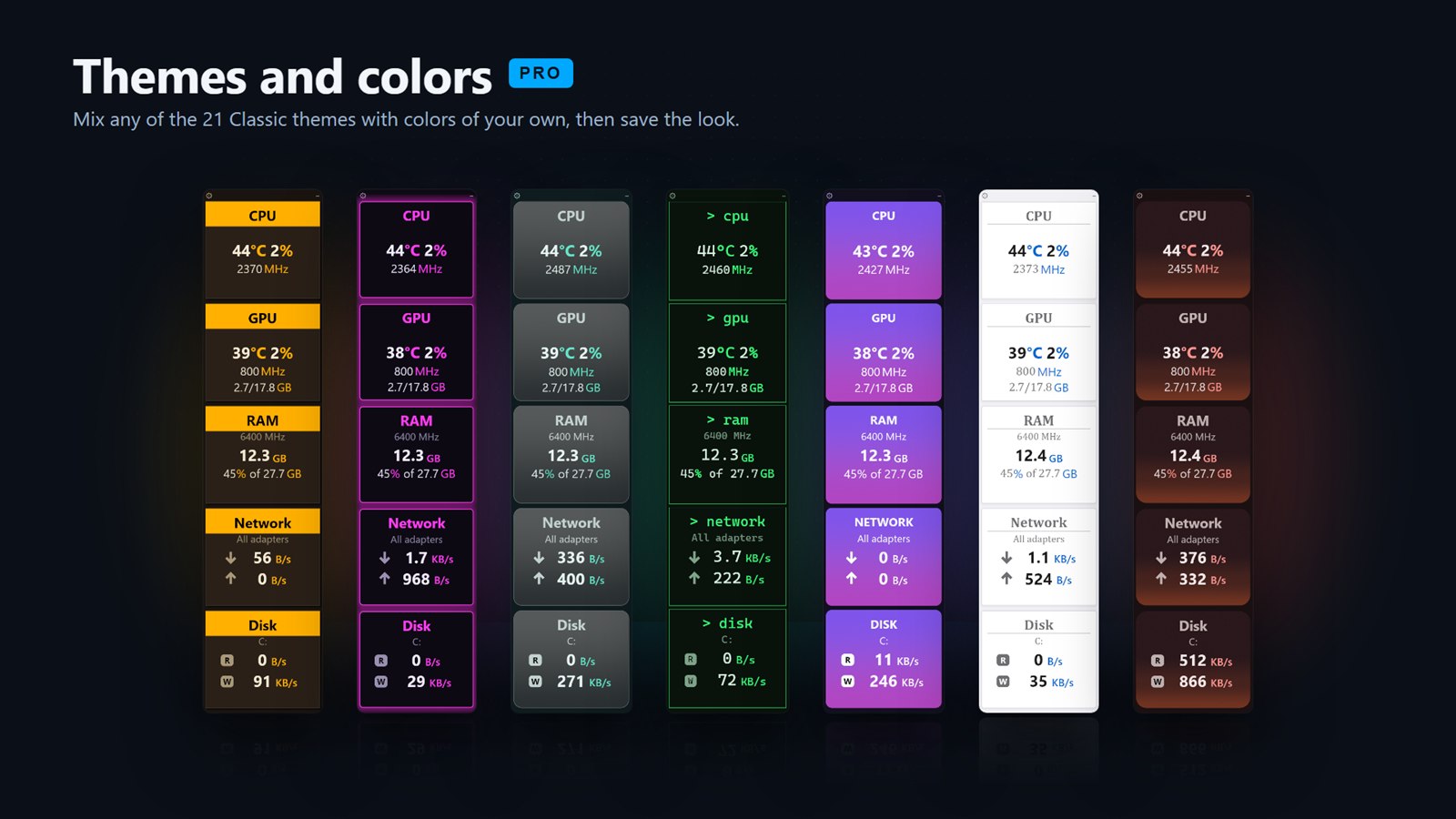
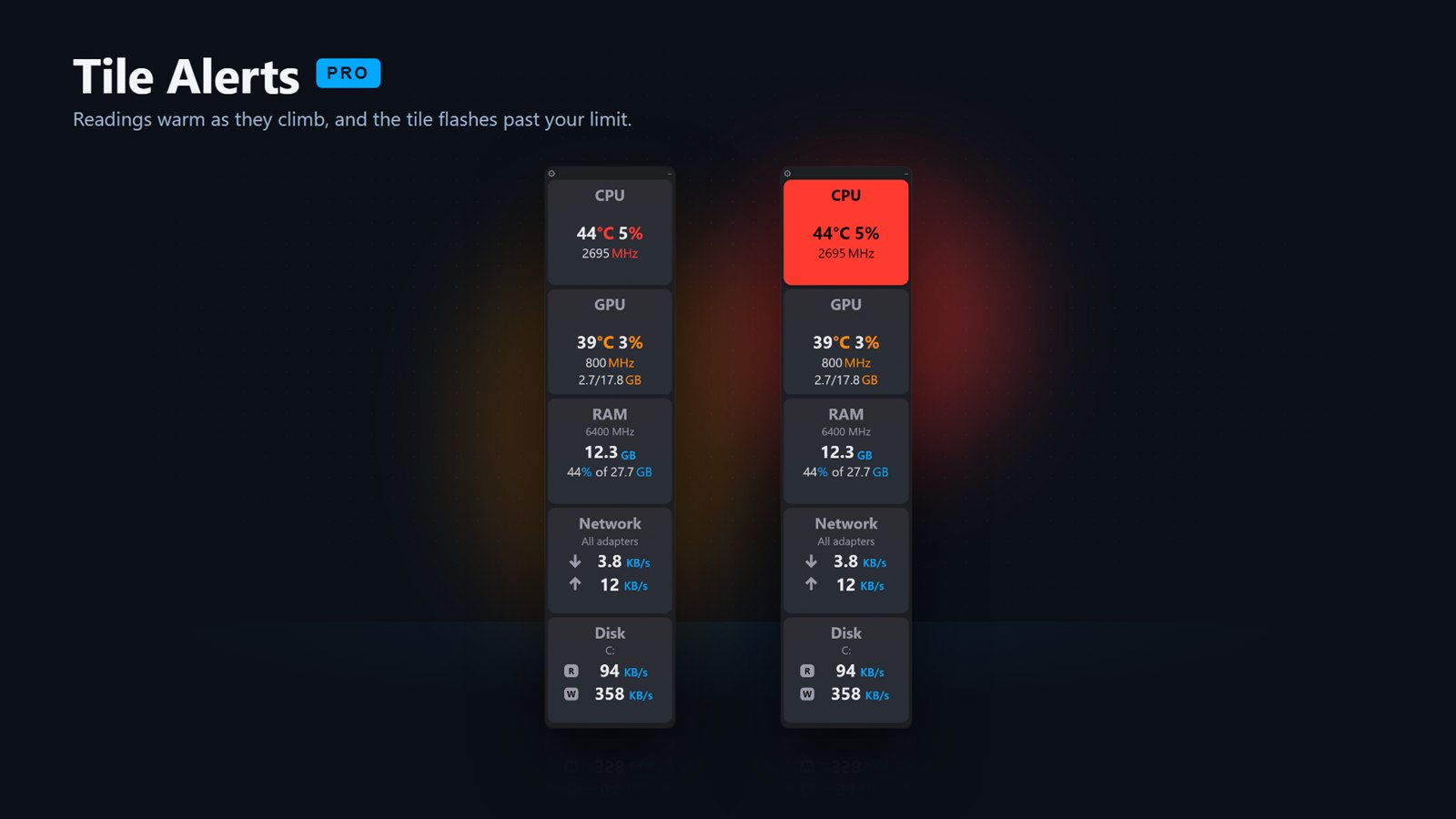
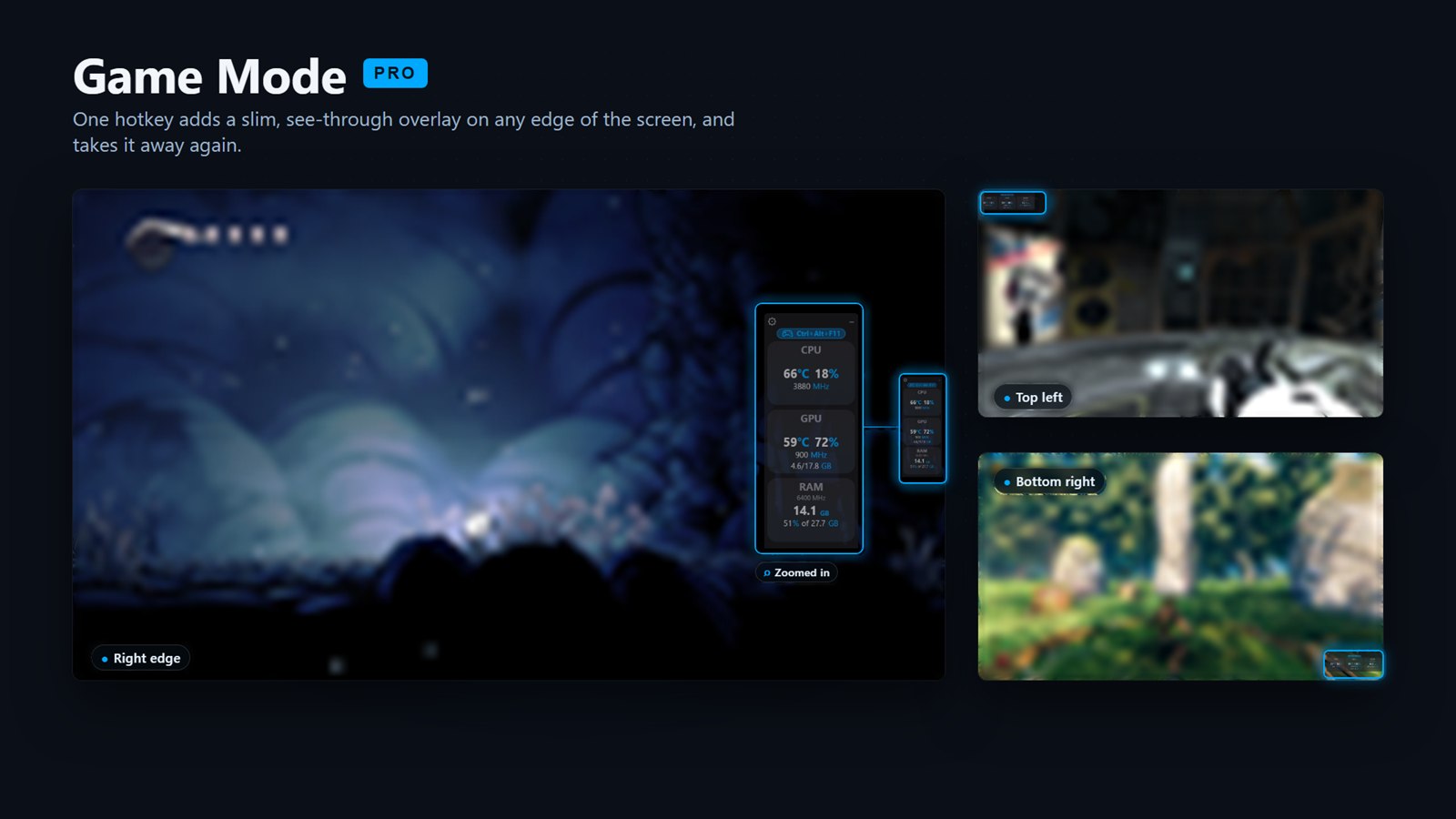
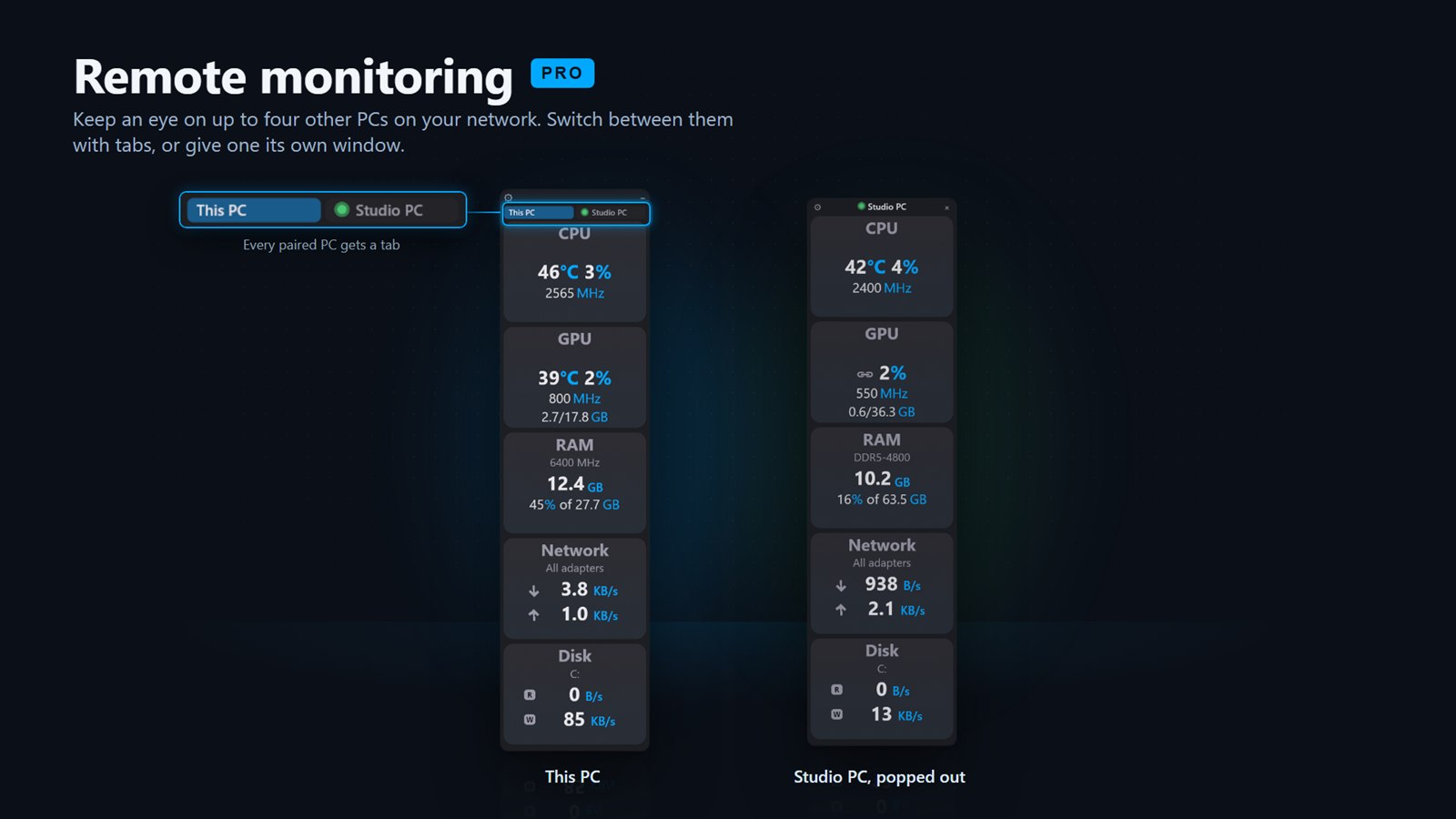
Hand-crafted skins: stained glass, porcelain, opal, bioluminescence and more Themes and colors: mix any of the 21 Classic themes with your own colors Tile Alerts: readings warm as they climb and the tile flashes past your limit Game Mode: one hotkey adds a slim, see-through overlay on any edge of the screen Remote monitoring: keep an eye on up to four other PCs on your network

Screenshots show sample readings. Questions, bugs or feedback: flux@matthewhakes.com.

Installing Flux Lite

The installer isn't code-signed yet, so Windows SmartScreen may show a warning the first time. Choose More info, then Run anyway. Each release on GitHub includes a SHA-256 checksum if you'd like to verify the file.